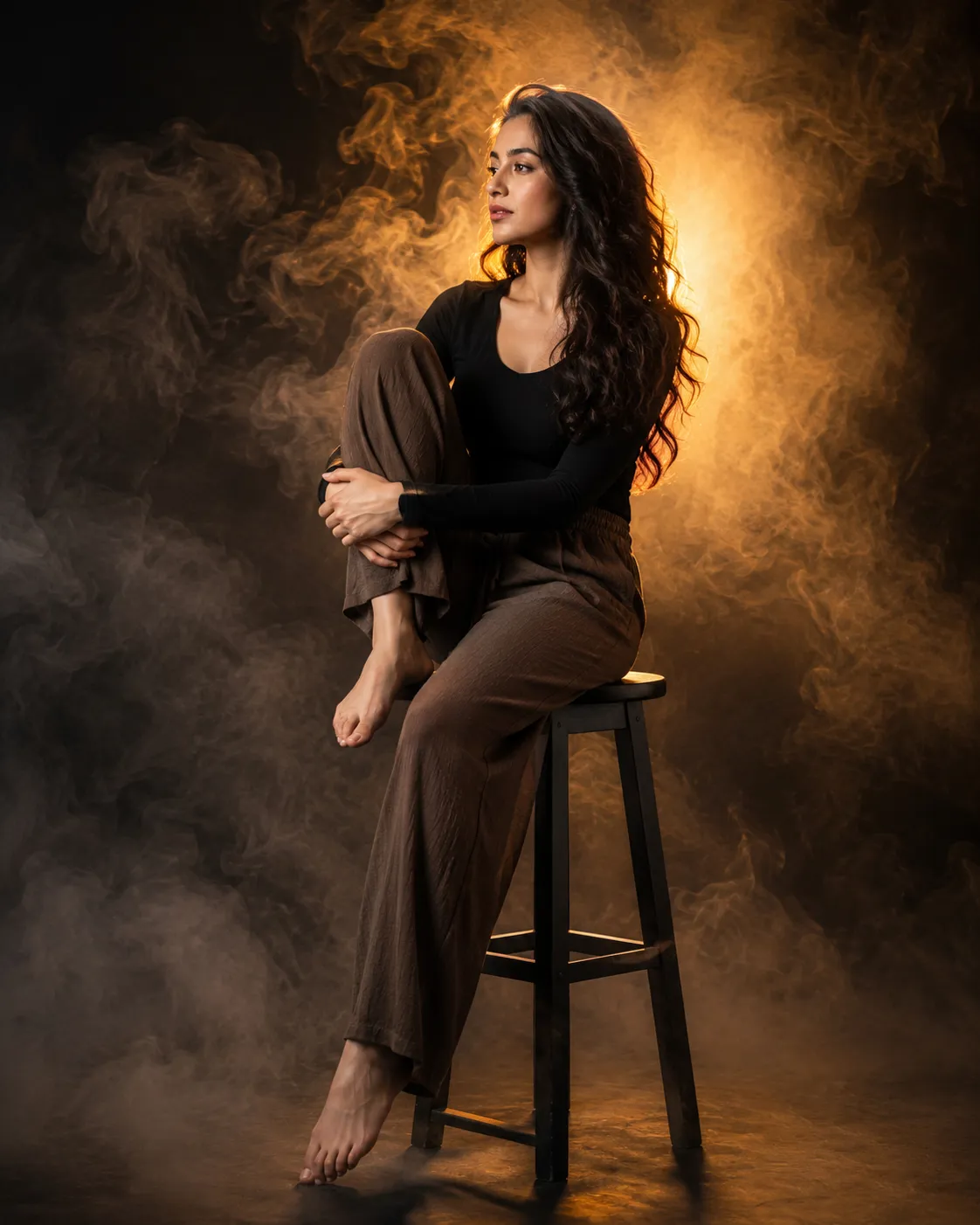
Introduction
Portrait photography is one of the most powerful forms of visual storytelling. A single image can communicate emotion, personality, and atmosphere without the need for words. Among the many portrait styles available today, cinematic studio portraits have become especially popular because they combine dramatic lighting, emotional depth, and professional-quality aesthetics. The Contemplative Portrait With Warm Backlight Prompt is designed to create a striking fine-art portrait that feels both intimate and cinematic.
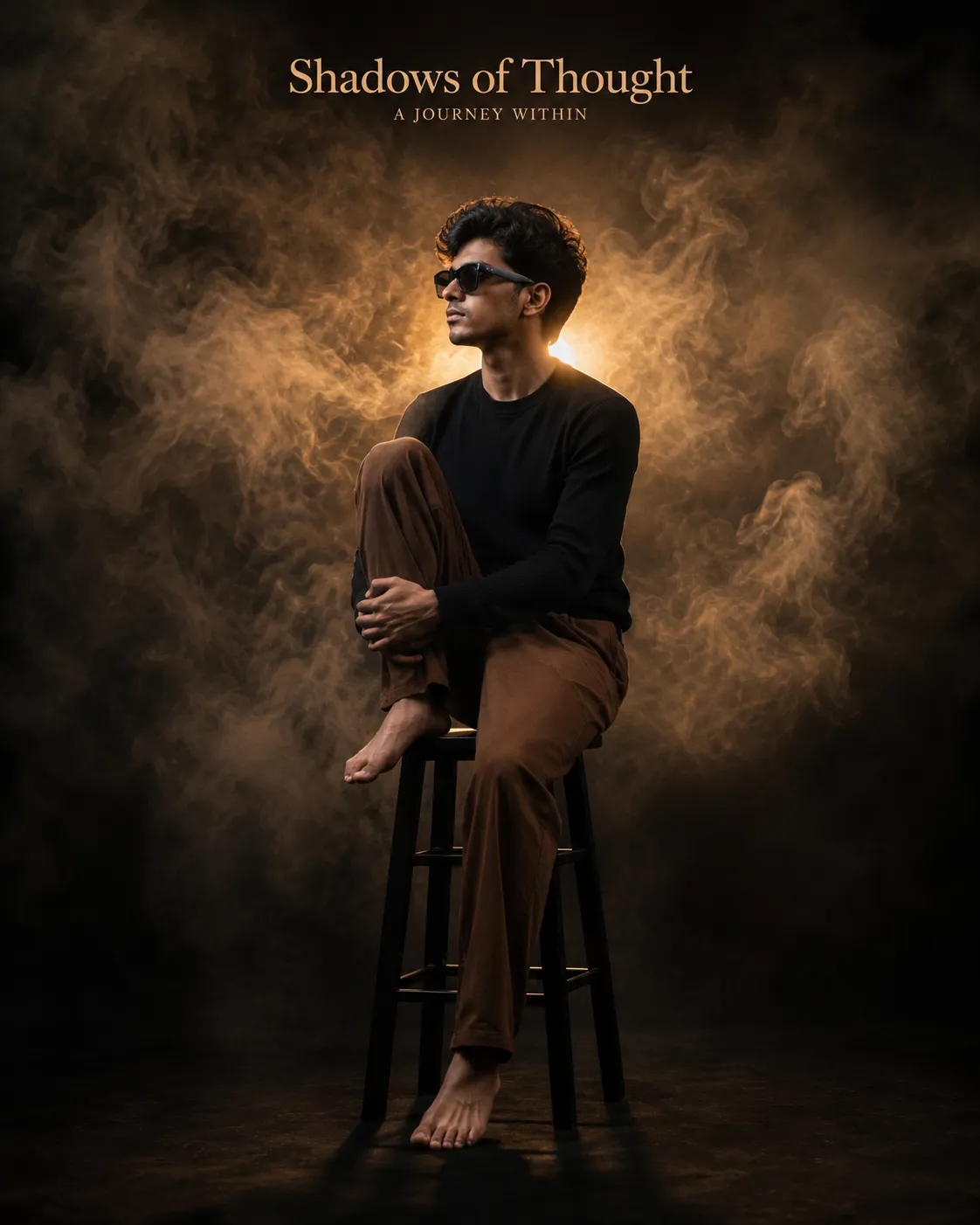
"Contemplative Portrait With Warm Backlight Prompt"
Use the uploaded image strictly ONLY for face matching and identity reference.Create a ultra-realistic 8K cinematic portrait of a contemplative person seated on a simple black wooden stool in a dark studio environment. The subject is positioned in a graceful side-profile pose, facing toward the left of the frame, with one knee drawn up toward the chest and both hands gently resting around the shin. While the opposite leg extends downward in a relaxed manner, with the foot lightly resting against the stool's lower rung. The posture is relaxed, introspective, and emotionally expressive, conveying quiet strength and deep thought. Composition: Full-body vertical portrait with no feet cropped, the subject centered in the frame. Strong use of negative space surrounds the subject, enhancing visual impact. The stool remains fully visible, creating a balanced and elegant composition. Outfit: Minimalist monochromatic styling consisting of a fitted long-sleeve black top and loose, flowing brown trousers. Barefoot, adding a natural and vulnerable aesthetic. Expression & Gaze: Calm, thoughtful, and slightly melancholic expression. Soft facial features with a distant gaze directed off-camera toward the left, creating a reflective and cinematic mood. Background: Deep black seamless studio backdrop filled with dramatic swirling atmospheric smoke. Dense layers of illuminated fog surround the subject, creating depth, mystery, and a dreamlike atmosphere. Lighting: Moody low-key studio lighting with a powerful warm amber tube light positioned directly behind the subject. The tube light and its stand are not visible within the frame. Strong backlighting creates a luminous halo around the hair and shoulders, while subtle side fill lighting reveals facial contours. Volumetric light rays interact with the surrounding smoke, producing cinematic depth, dramatic contrast, and rich chiaroscuro effects. Camera Angle: Eye-level camera angle with a slight three-quarter side perspective, emphasizing the subject's profile and sculptural form. Technical Details: Ultra-realistic photography, photorealistic 8K resolution, DSLR-quality image, 85mm lens, f/1.8 aperture, shallow depth of field, cinematic color grading, warm amber highlights, deep shadows, volumetric smoke effects, realistic skin texture, sharp facial details, soft background falloff, high dynamic range, premium editorial portrait photography, fine-art cinematic aesthetic, masterpiece quality, ultra-detailed, dramatic storytelling, professional studio production.Aspect ratio 4:5.
This concept features a subject seated on a simple black stool within a dark studio environment. The pose is thoughtful and expressive, with the subject sitting in a relaxed side profile while surrounded by atmospheric smoke and illuminated by a warm amber backlight. The result is a visually compelling portrait that conveys quiet reflection, inner strength, and emotional depth.
What makes this prompt unique is its careful balance of simplicity and drama. The minimalist wardrobe, deep black background, cinematic fog, and warm rim lighting work together to create an image that feels like a frame from an award-winning film. The subject becomes the focal point while the surrounding atmosphere enhances the storytelling.
Whether you are creating AI-generated artwork, professional editorial portraits, social media content, or portfolio images, this prompt offers a timeless and sophisticated visual style. When combined with a high-quality reference image, it can preserve facial identity while transforming the subject into a cinematic masterpiece.
How To Use Photo Editing?
Photo editing plays an essential role in maximizing the impact of a cinematic portrait. Even if an image is generated using advanced AI tools, thoughtful editing helps refine details and improve realism.
Begin by reviewing the generated portrait for facial accuracy and lighting consistency. The face should closely match the reference image while maintaining natural skin texture and authentic features. Avoid excessive beauty retouching, as realistic skin details contribute to a premium editorial look.
Key areas to enhance during editing include:
- Facial clarity and sharpness
- Hair detail and rim lighting
- Atmospheric smoke effects
- Color grading
- Contrast and shadow depth
- Highlight control
- Background consistency
- Overall image balance
Low-key portraits rely heavily on controlled shadows. Instead of brightening the entire image, selectively lift important details while preserving the dramatic mood. Maintaining deep blacks is crucial for achieving a cinematic appearance.
Warm amber highlights can also be enhanced subtly to strengthen the emotional atmosphere. The goal is to create visual depth without making the image appear artificial.
Tools You Can Use For Prompt Copy and Create Photo
Creating professional-quality portraits requires the right combination of AI generation and editing software.
1. ChatGPT
ChatGPT is an excellent tool for writing detailed image prompts. It helps define lighting, composition, clothing, camera settings, and artistic direction.
2. Midjourney
Midjourney is known for producing highly artistic and cinematic images. It performs exceptionally well with dramatic lighting and atmospheric environments.
3. Flux AI
Flux AI is a strong choice for realistic portrait generation and facial identity preservation.
4. Leonardo AI
Leonardo AI provides advanced control over realism and image composition, making it useful for fine-art portrait creation.
5. Adobe Photoshop
Photoshop offers professional retouching tools for enhancing skin texture, lighting effects, smoke details, and overall image quality.
6. Lightroom
Lightroom is ideal for color correction and cinematic color grading. It allows users to fine-tune exposure, contrast, and tonal balance.
7. Canva
Canva helps transform finished portraits into social media graphics, posters, and promotional materials.
8. Topaz Photo AI
Topaz Photo AI can improve image sharpness, reduce noise, and upscale portraits while maintaining detail.
Using multiple tools together often produces the most polished results. For example, generate the portrait using Flux AI or Midjourney and finalize the image in Photoshop and Lightroom.
How To Edit Photo?
Step 1: Choose a High-Quality Reference Image
Select a clear reference photo with good lighting and visible facial details. A strong reference improves identity accuracy during generation.
Step 2: Generate the Portrait
Use the Contemplative Portrait With Warm Backlight Prompt in your preferred AI image generator. Focus on realism, facial accuracy, and cinematic lighting.
Step 3: Verify Identity Preservation
Carefully compare the generated portrait with the reference image.
Check:
- Face shape
- Eyes
- Nose structure
- Lips
- Skin tone
- Hairstyle
Maintaining identity is essential for realistic results.
Step 4: Refine Lighting
Enhance the warm amber rim lighting around:
- Hair edges
- Shoulders
- Face contours
Avoid overexposing highlights.
Step 5: Enhance Smoke and Atmosphere
Volumetric smoke contributes significantly to the cinematic mood.
Adjust:
- Fog density
- Light interaction
- Layer depth
- Background consistency
Keep the smoke natural and realistic.
Step 6: Improve Contrast
Low-key portraits rely on dramatic contrast.
Increase:
- Shadow richness
- Midtone definition
- Highlight separation
This helps create visual depth and dimension.
Step 7: Preserve Skin Texture
Avoid heavy skin smoothing.
Maintain:
- Natural pores
- Authentic facial texture
- Realistic skin shading
This creates a premium editorial appearance.
Step 8: Apply Cinematic Color Grading
Use warm amber tones combined with deep shadows.
Focus on:
- Warm highlights
- Neutral skin tones
- Rich black backgrounds
- Balanced contrast
Cinematic grading enhances storytelling and mood.
Step 9: Sharpen Key Areas
Apply sharpening selectively to:
- Eyes
- Facial contours
- Hair edges
- Clothing texture
Avoid oversharpening atmospheric elements.
Step 10: Export in High Resolution
Export the final image in 4K or 8K quality for maximum detail and professional presentation.
Recommended formats:
- JPEG for web use
- PNG for maximum quality
- TIFF for professional printing
Conclusion
The Contemplative Portrait With Warm Backlight Prompt is a powerful example of cinematic portrait artistry. Through thoughtful composition, dramatic low-key lighting, atmospheric smoke, and emotional expression, it creates a portrait that feels both visually stunning and deeply meaningful.
This style is ideal for fine-art photography, editorial projects, social media branding, creative portfolios, and personal artistic exploration. The combination of warm amber highlights, dark studio surroundings, and introspective body language creates an image that captures attention while telling a compelling story.
By pairing advanced AI image generation with professional editing techniques, creators can transform a simple reference image into a breathtaking cinematic portrait. The final result is a timeless artwork filled with emotion, depth, and sophisticated visual storytelling that stands out in any collection.